New: Ability to clone Document templates
There is now the ability to clone existing document templates
Within document builder select 'Manage > Templates'
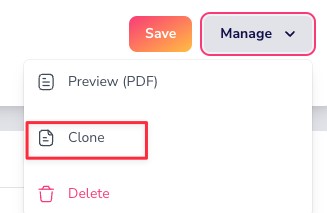
Choose the template you could like to clone and select 'Manage > Clone'
Your new cloned document will appear in your template list with 'Copy of' infront of the original name, you can now edit the template and change the name as appropriate
See screen shot below:
Give it a try! If you have any questions or issues please don’t hesitate to raise a ticket in the usual way or via help@plannrcrm.com.