🎉 New! Conditional Fields are live in Plannr!
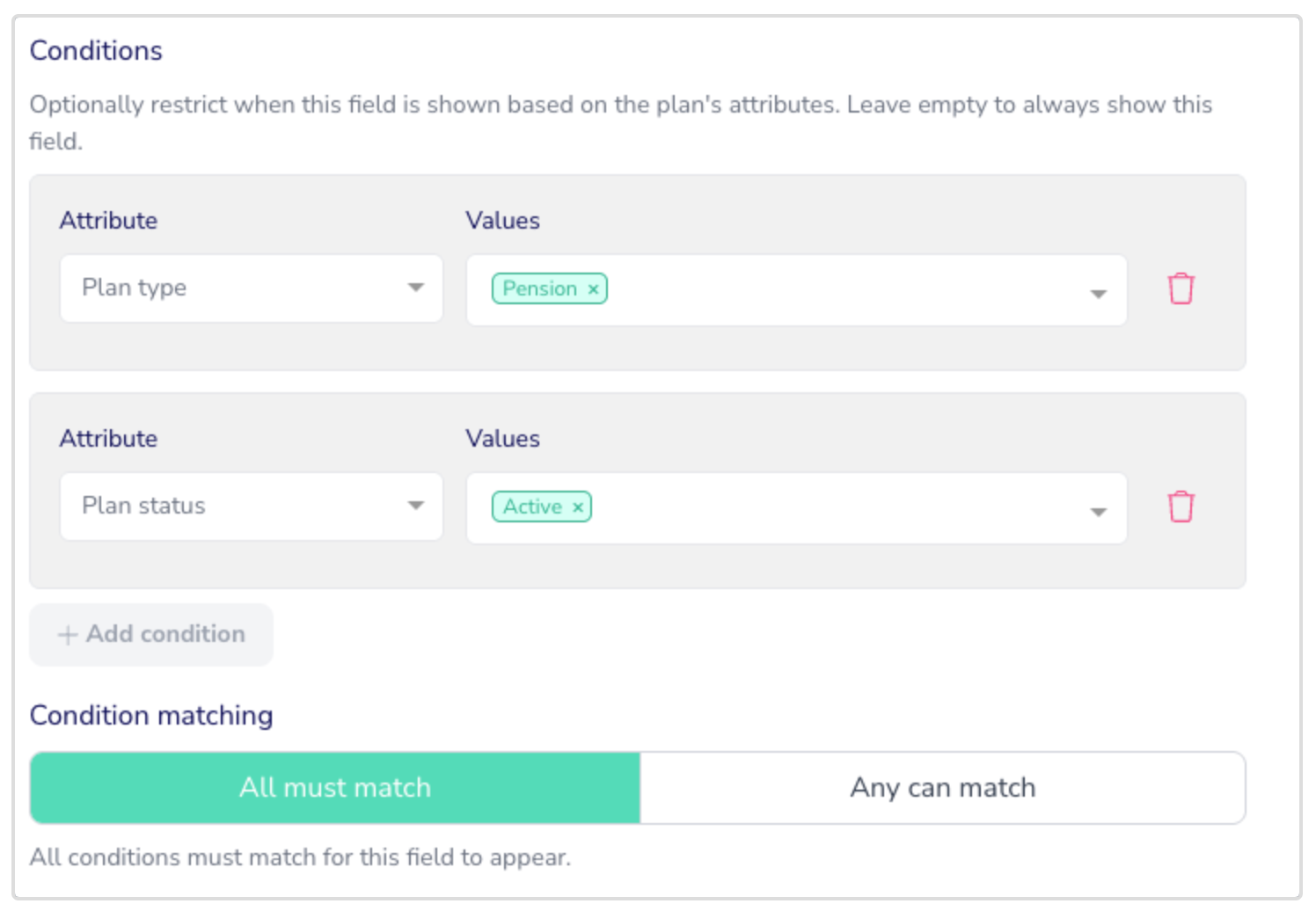
Great news - we have today rolled out Conditional Fields as part of Plannr’s custom field functionality!
This is a mega bit of functionality which will enable you to set attributes which dictate whether a custom field will show or not - depending upon where you are in Plannr and what you’re looking at.
🧐 So, now, if you’re looking at a drawdown pension plan for your client, you can choose to display your custom fields around beneficiary nominations, MPAA triggers, GAD reviews etc only against those plan types - instead of ALL plans. Magic! 🪄 Another plans based one, for your Accident and Sickness protection policies you could display your custom fields detailing the deferment period and payment period - keeping other non-ASU plan types clear of that ‘noise’ where the information isn’t relevant.
🧐 You could add in case-specific custom fields, so where the condition is met that your case type is a pension transfer, you’ll be able to display custom fields relating to the transfer details, reasons why recommendations made, etc. Compliance sign off fields (until we release our snazzy new case functionality of course) amongst other things!
🧐 Maybe at a client level you might want to show custom fields where the client status is Archived, detailing last contact, reasons for disengagement, any plans to re-engage later etc.
🧐 You can multi-select attributes, for example, all tasks with status ‘in progress’ AND ‘with client’ - with a custom field capturing the date when last chased.
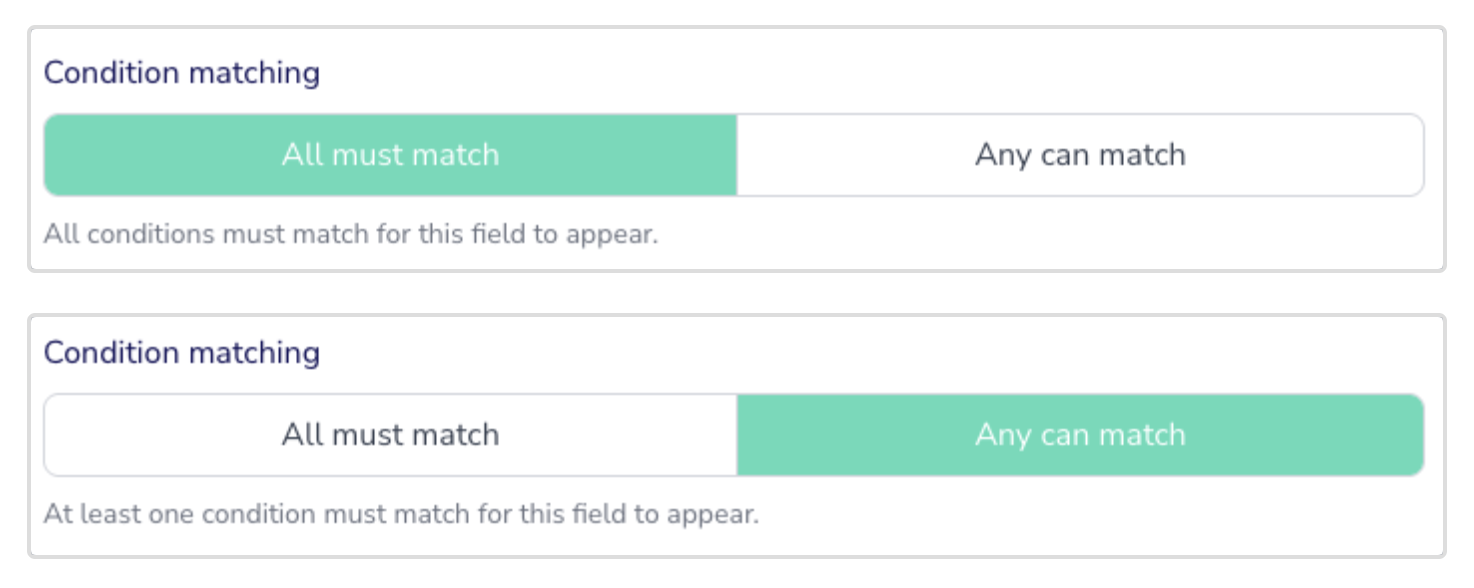
Adding multiple conditions isn’t an issue either - you’ll just need to determine whether all conditions need to be met for this custom field to show or not:
The possibilities are endless here, go and have a play and let us know your best-use-cases for conditional custom fields in your sites - we’ll add them to the support article as a bit of a library of best practice suggestions for other Plannr users!