New: System generated email management
Another rollout for you this morning - and this one addresses the fact that your clients love to reply to the no-reply@plannrcrm.com email address. Our hardworking support team were needing to track down which firms and users needed sight of these important client comms so we could forward the messages on to you.
System Generated Emails
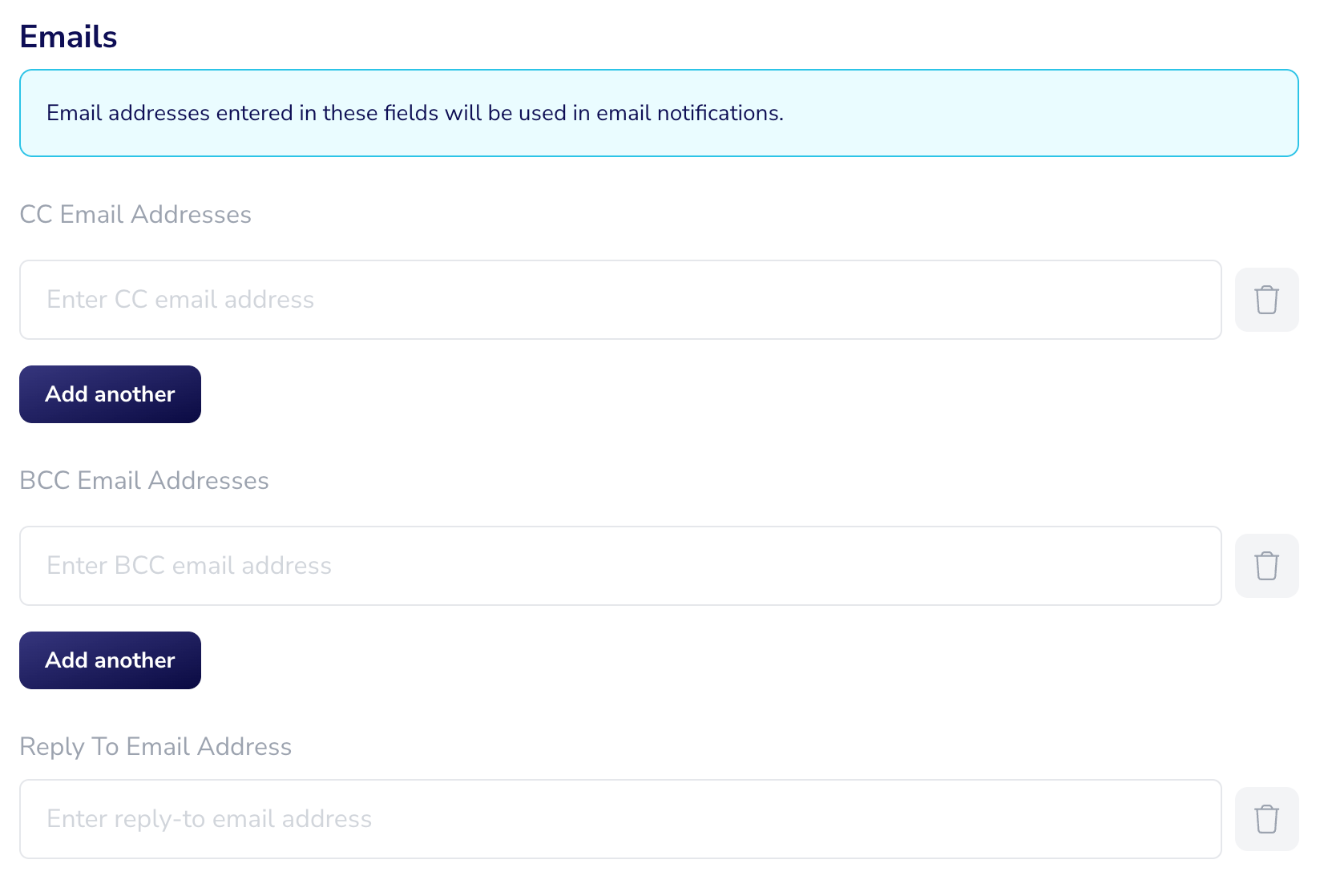
First thing we’ve done is to add in the option to allocate multiple email accounts to be cc’d or bcc’d into the emails that your site generates, e.g. your factfind requests, form requests, client portal notifications etc - this might be useful for tracking those comms and following up with clients if they haven’t actioned your requests. You could add a generic admin mailbox or multiple individuals within your firm, however best fits the way you would track yours and your clients workloads.
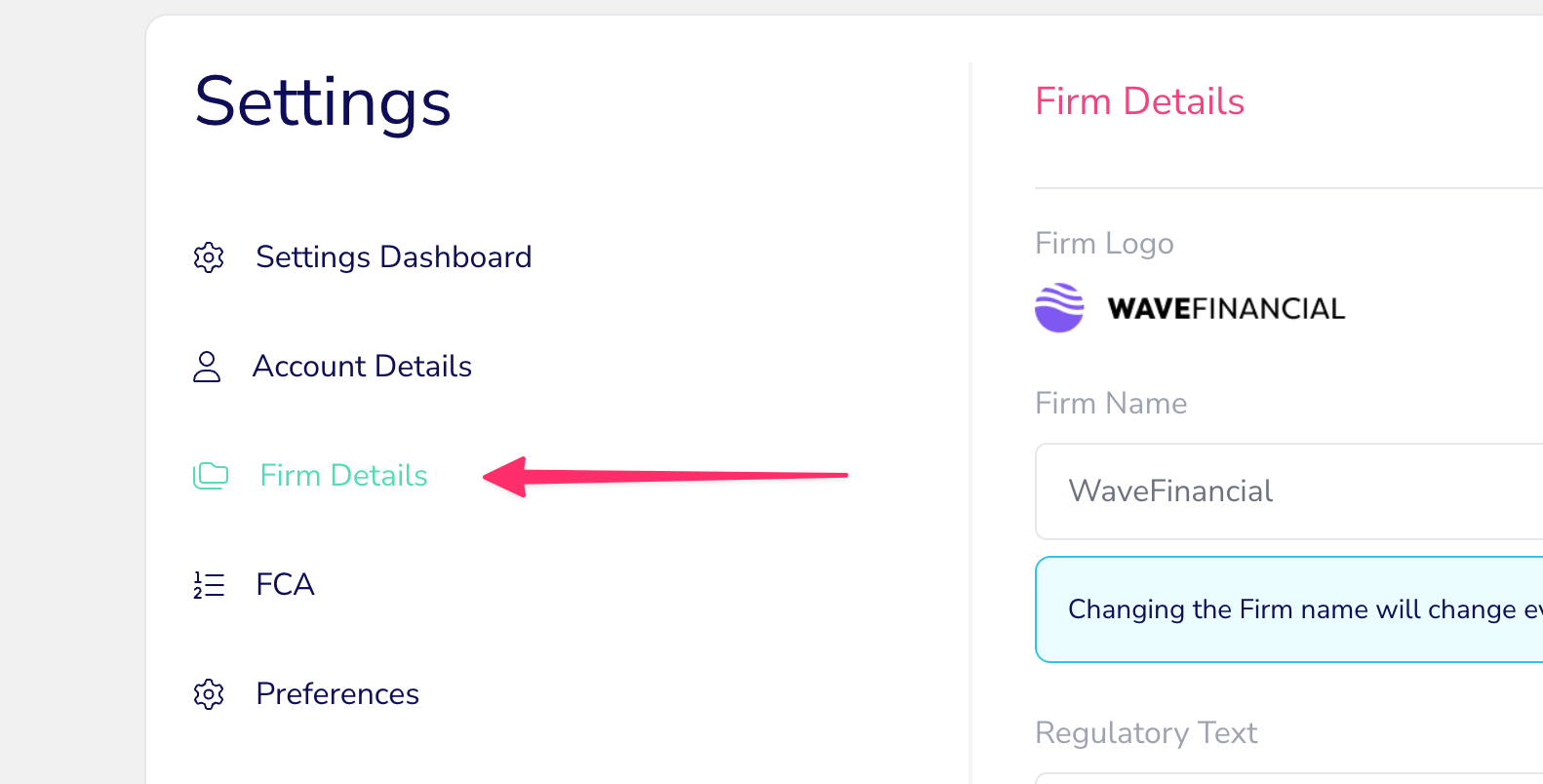
Secondly, we’ve now added a Reply-to email address field for you to give your clients a mailbox they can respond to. These new email fields can be found in Firm Settings and are managed by the Owner level user permission accounts.
👉🏽 Due to the mail service we use here at Plannr we cannot change the sender email address from no-reply@ to your new Reply-to email address, but when a client hits reply anyway, they will be auto-directed to send their message to your new Reply-to account instead. Here’s your help guide to get you started with system email management.