🚀 Improvements: Fact finding & Circles
Fact finding
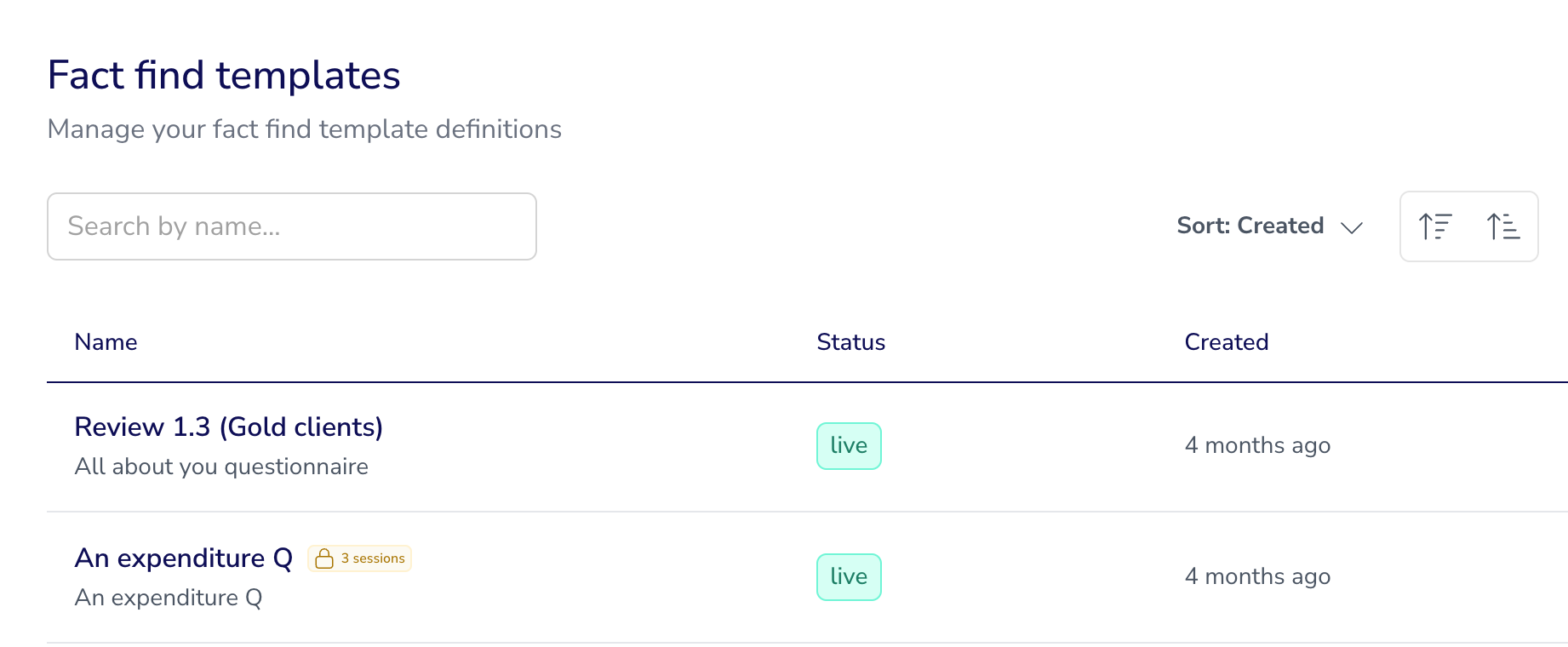
Today we’ve released a couple of fact finding quick wins. The first is the ability to archive a fact find template no longer in use, without having to go the whole hog and deleting it. This hides the template from your day to day list of available fact finds but means you won’t lose any of the data or history from fact finds previously completed under these templates. Huzzah!
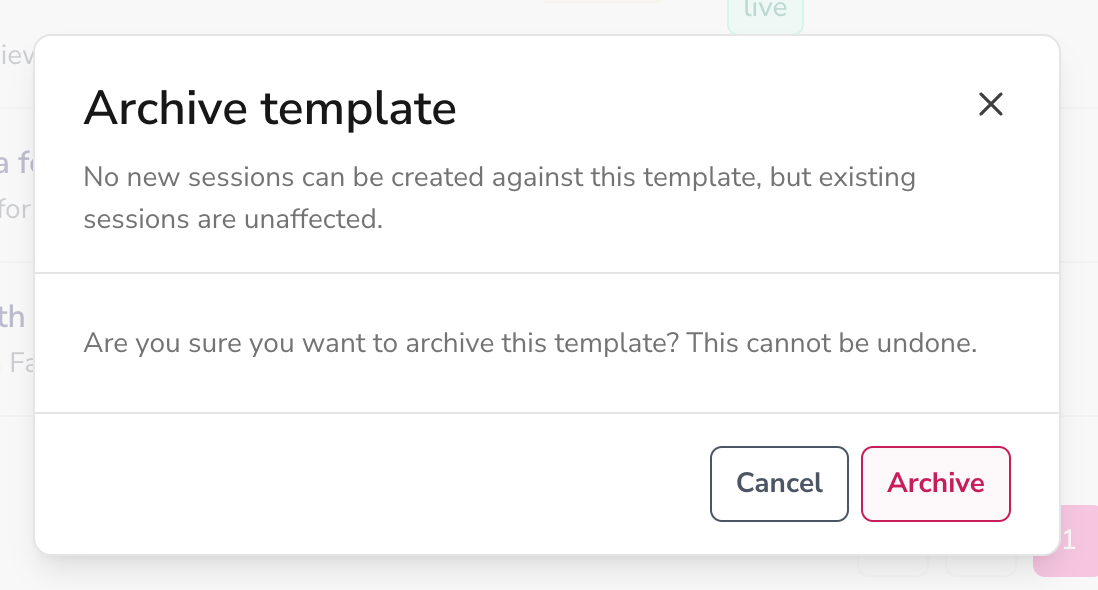
Just some reassurances, if any sessions are still open for a fact find template you’re archiving, the session will be unaffected and your client(s) will still be able to continue filling it out and saving it as normal.
If the template has been used in an automation block, you’ll get a warning pop up when you go to archive the template, letting you know which automations it features in so you can go and swap it out for a current version instead.
Our usual support article is here with additional notes and info, but let us know if you have any questions on this new functionality.
Next up is the ability to give your fact find templates an internal name and a client facing name. Your templates now have two fields for Template and Display names which means you can have your internal label (e.g. Annual Review FF - v3) and the one your clients see (e.g. Your Annual Review).
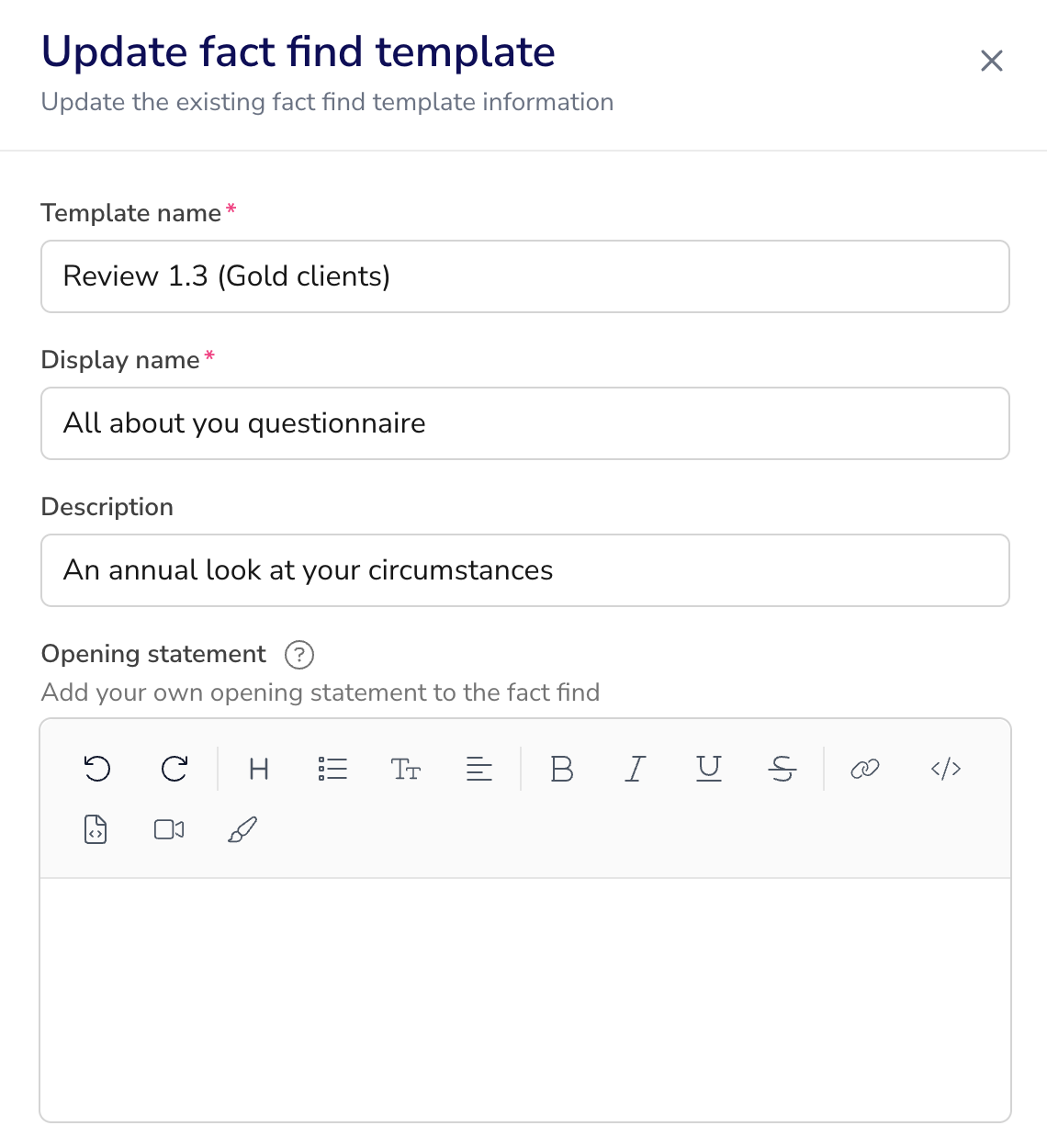
Your snapshots will adopt the Display name so if you share these with the client in their portal documents they’ll see the client facing title instead of the internal label.
If you’re searching for a template you can search under either the Template name or the Display name, both will return a match.
Here’s the full fact find template builder support article with further details!
Finally, we’ll be shortly releasing some work we’ve been doing on the snapshot too with your firm branding - keep your eyes peeled for that release once we’ve passed all our internal QA checks.
Circles
We’ve got a brand new circles export for all of you that want to extract that data for additional reporting etc.
Owing to the complexity of AUM calculations and percentage ownerships, it’s worth checking out our support article on this to understand what the data pulled out is showing for your circle participants and circles as a whole.
In addition to this you can now import notes against circles, meaning any notes added via the importer will display against each circle and circle participants at the dashboard level. You can find the notes importer in the usual business menu Imports area, you just add the circle UUID instead of the individual’s UUID when importing circle notes, support guide is here. Everything else in the notes importer remains unchanged.