NEW: Preview documents without downloading 🔎
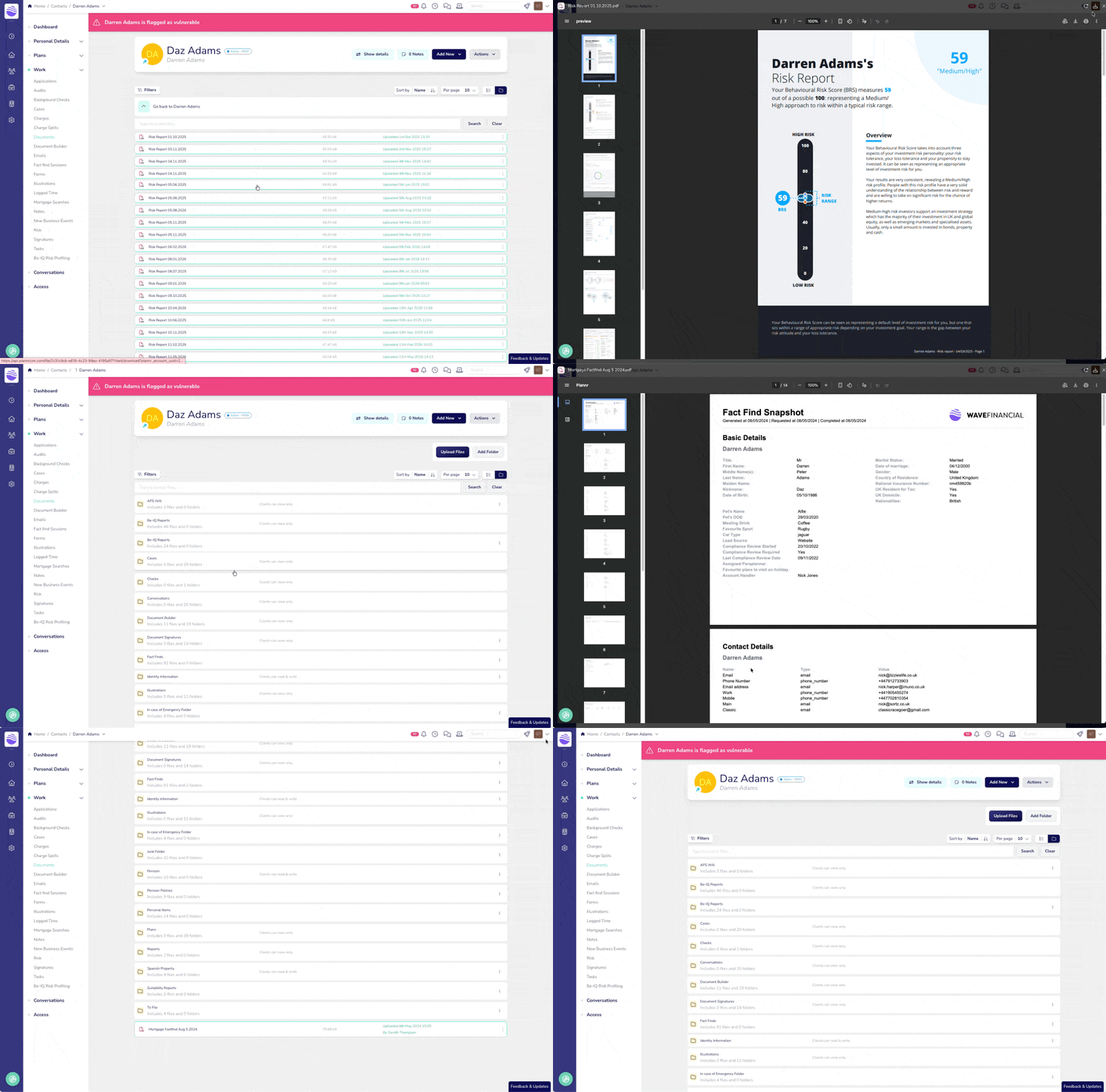
Opening a client document used to mean downloading it, finding it in your downloads folder, and opening it in something else. Now you can just click it.
Any image or PDF in a client, case, plan or circle's documents area opens right inside Plannr. Click the row, or the eye icon, if you prefer - have a look, and close it again. Nothing lands on your computer unless you want it to.
Still need the actual file? The download button hasn't moved, and there's another one inside the preview.
A few things worth knowing
Images (JPG, PNG, GIF and WebP) and PDFs can be previewed. Word documents and spreadsheets still download as before.
Very large files - over 50MB - will download rather than preview.
Holding ⌘ or Ctrl while clicking still downloads the file in a new tab, just as it did before.